
How to install · 29 Sep 2026@Tatkalhub-c8j
How to install OCEAN PRO TS — Defender, Firewall, official download
Dedicated YouTube clip nahi mila. Video Soon — doosre product ka video embed nahi. Listed checkout + Defender/Firewall + official download.
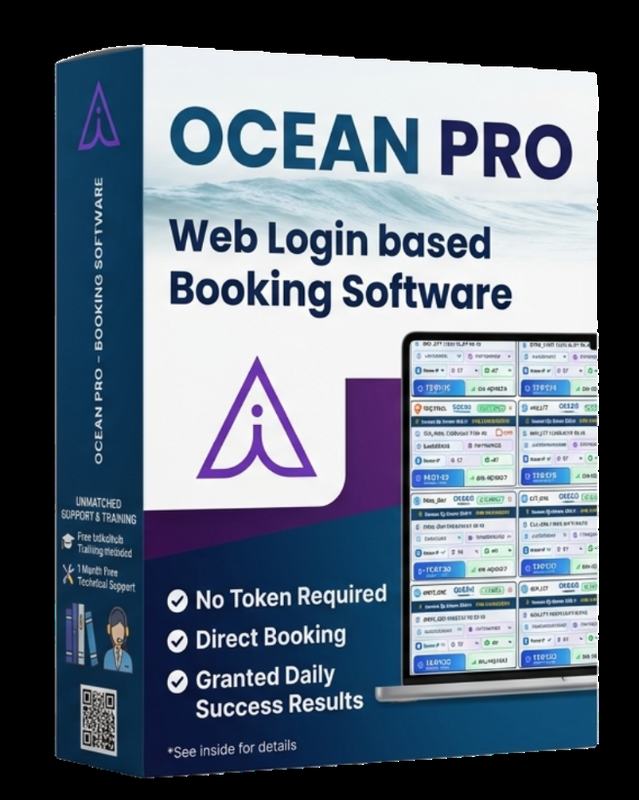
OCEAN PRO TS Web Login · Direct. 2 PNR ₹1200. IRCTC steps aap complete karte ho.
1) Video pehle dekho
Official channel @Tatkalhub-c8j. Dedicated YouTube clip nahi mila — Video Soon. Doosre product ka video embed nahi kiya.
Video Soon
Is product ka dedicated clip @Tatkalhub-c8j par nahi mila. Doosre product ka video yahan nahi lagaya.
2) Windows Defender off (trainer window only)
- Windows Security kholo → Virus & threat protection → Manage settings.
- Real-time protection Off tabhi jab UltraViewer pe TatkalHub expert bole. Permanent off nahi.
- Exclusions → Add folder — install directory, file copy se pehle.
- SmartScreen warning aaye to unofficial EXE skip. Sirf button wala official portal.
- First launch ke baad real-time protection On.
3) Firewall step-by-step (temporary)
- Windows Security → Firewall & network protection.
- Active network (Domain / Private / Public) pe click.
- Microsoft Defender Firewall ko trainer ke kehne par short window ke liye Off.
- OCEAN PRO TS first run complete hone ke baad Firewall On rakho.
- Cafe PC pe ye steps mat chalao — apna Windows / listed VPS only.
4) File download
Listed UPI verify ke baad hi installer. Button:
Portal: https://oceanxsoft.com/Login.aspx
5) Channel subscribe
youtube.com/@Tatkalhub-c8j subscribe karo. Extra clips yahi se aate hain.
OCEAN PRO TS details
- Family: Web Login · Direct
- 2 PNR ₹1200 / 1 month. 4 PNR ₹2200. 6 PNR ₹3200.
- Offer: free UltraViewer training, instant install, first-ticket live help, 6am–1am IST
- Buy WhatsApp +1 289 577 0401
Educational guide. Firewall/Defender ko permanently band mat chhodo. IRCTC rules follow. Confirmed PNR inventory par depend karta hai.