
ORBIT TS user ke liye seedhi baat — ye blog kya hai, complaint kaise bhejo, buy kahan se
Pehle overview, phir padhne ke baad kya madad milegi, phir complaint/suggestion ke asaan steps (animation ke sath), phir TatkalHub se kyun kharide, aur Tatkal window mein ORBIT TS kya help karta hai.
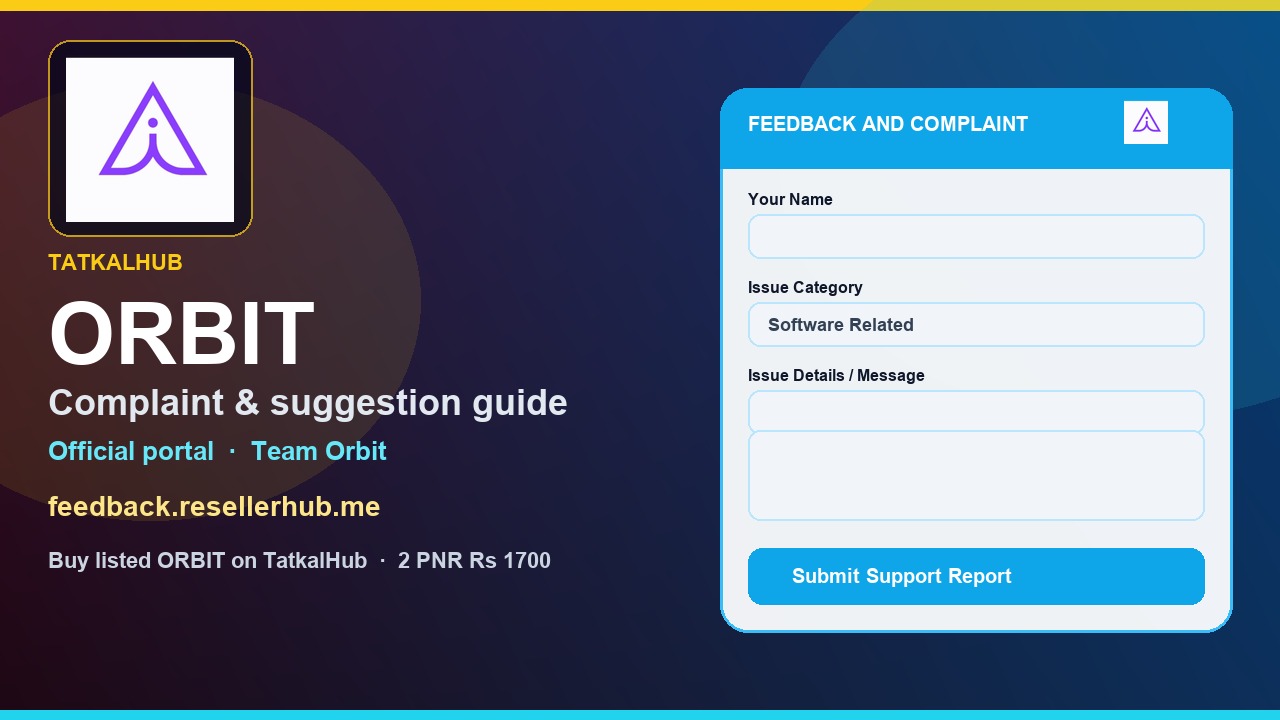
Ye blog kis baare mein hai — overview
Agar tum ORBIT TS chala rahe ho, ya chalane wale ho, to ye post tumhare liye hai. Dry “form fields ki list” nahi — baat aam agent wali hai.
Teen cheezein yahan clear hongi: software atke to complaint kahan jaye, naya idea ho to suggestion kaise bhejo, aur naya license chahiye to buy kahan se safe hai.
Complaint ka official rasta ab WhatsApp random chat nahi hai. Team Orbit ka form hai: feedback.resellerhub.me. Buy ka rasta alag hai — listed rate TatkalHub ORBIT TS page pe.
Is blog ke baad tumhe kya madad milegi
Padh ke khatam karoge to confusion kam hogi. Ticket galat number pe nahi ghumega, aur Team Orbit ko woh milega jo unhe chahiye.
Complaint ya suggestion kaise bhejo — step by step
Neeche wale cards ek-ek karke slide hote hain. Jaldi mein ho to sirf yellow number follow karo. Phone ya PC, dono chalega.
Pehle ye yaad rakhna: portal = Team Orbit (software/panel/seller/suggestion). TatkalHub Buy WhatsApp +1 289 577 0401 = listed UPI ke baad payment screenshot. Install / license help: support ticket page.
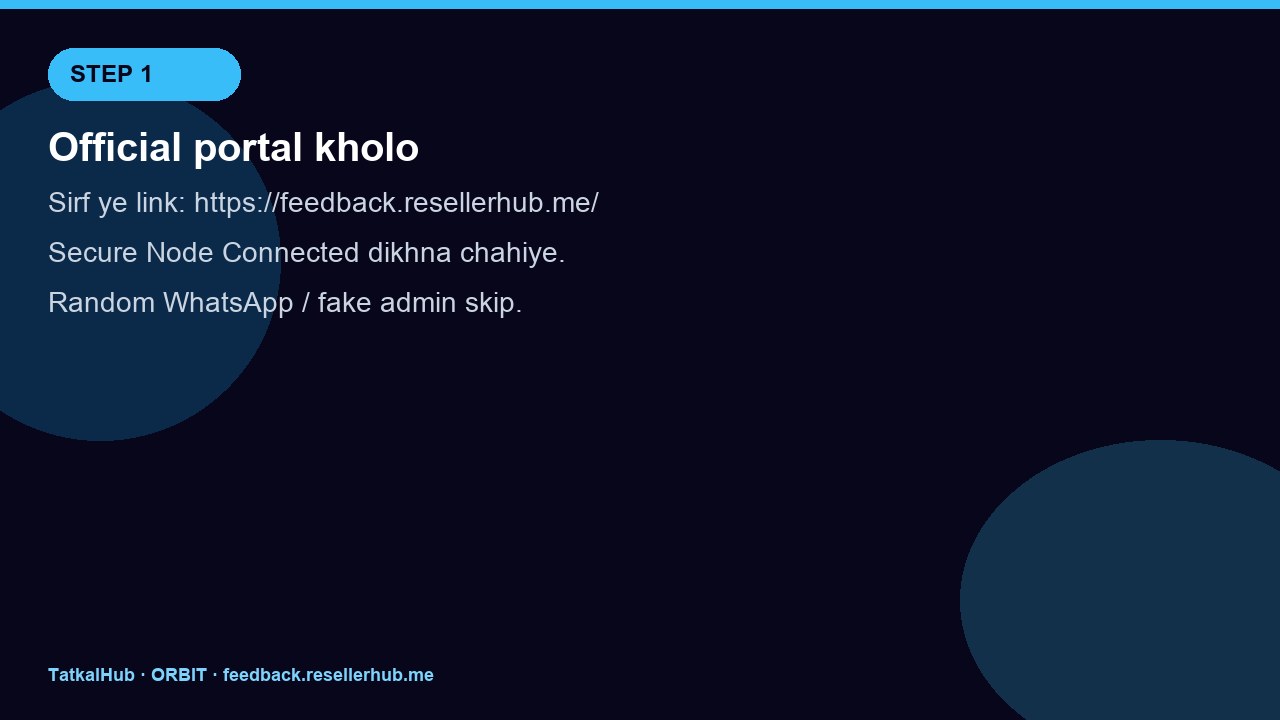
Official portal kholo — dusri link nahi
Browser mein sirf ye URL: https://feedback.resellerhub.me/
Page ka naam Feedback and complaint Portal hona chahiye. Upar green Secure Node: Connected dikhe. HOST / speed boxes skip — asal form white card pe hai.
“Orbit admin” WhatsApp, unknown Telegram, shortened fake link — ye mat kholo. Payment yahan nahi hota.
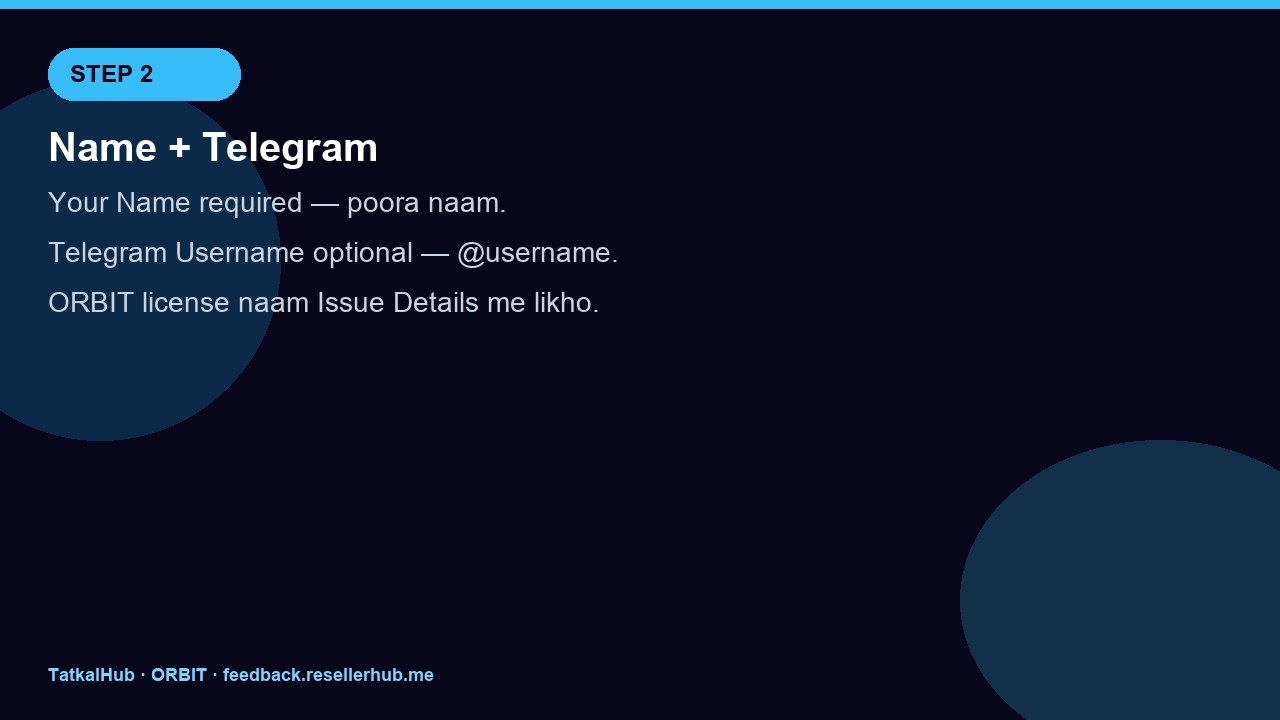
Apna naam likho (Telegram optional)
Your Name zaroori hai — poora naam, funny nickname nahi. Team Orbit ko pata chale kaun bol raha hai.
Telegram Username optional hai. Use karte ho to @username. Nahi to khali chhod do. License ID is box mein mat daalna — woh neeche details mein jayega.
Category choose karo — galat box = late reply
Select category pe tap. Portal pe char hi options hain:
- Software Related — login atak, crash, IP check, window hang
- Panel Related — panel / dashboard
- Seller Related — seller side note (UPI/buy nahi — woh TatkalHub hai)
- Suggestions — naya idea, UI, daily workflow improve
Crash aur suggestion ek saath ek report mein mat ghumao. Do alag submit karo. Category ke bina Submit mat dabao.
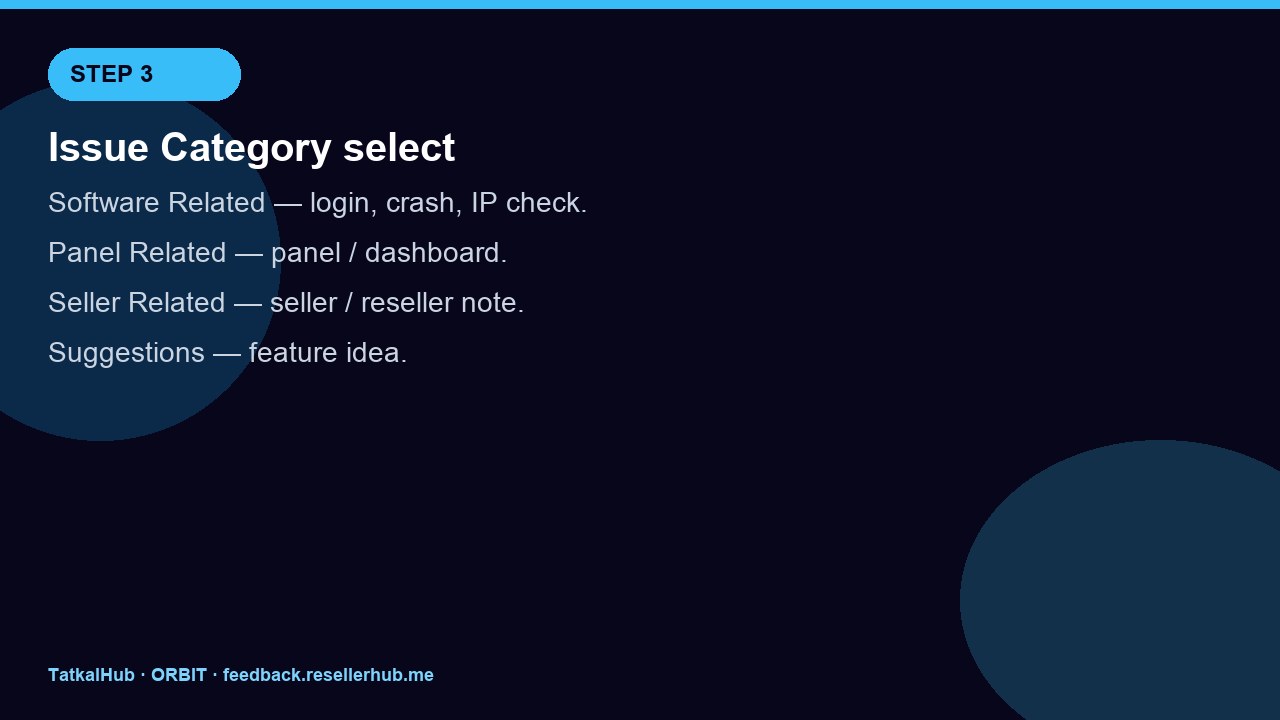
Photo / voice optional, baat likhna zaroori
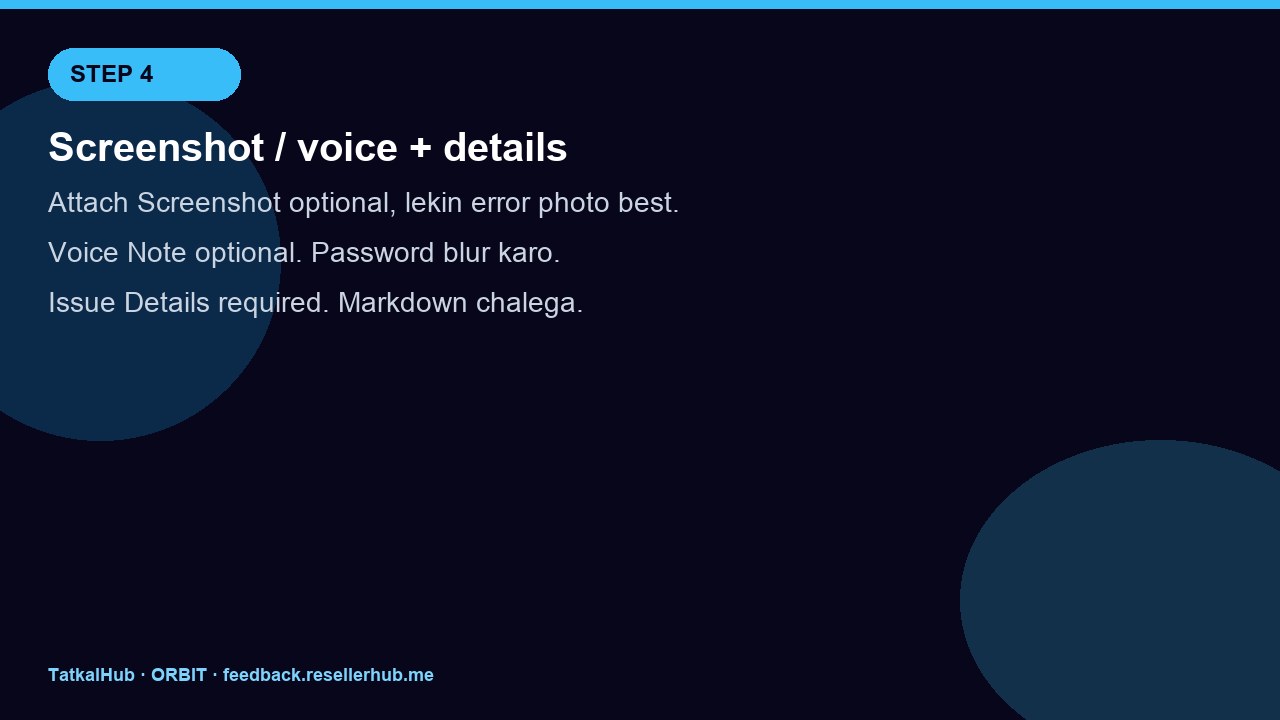
Attach Screenshot optional hai, lekin error wali window bhejna sabse helpful. Password, OTP, UPI QR blur/crop. Click to upload image.
Record Voice optional — bol ke Stop. Delete se hata sakte ho.
Issue Details required. Seedhi Hindi-English mix chalega. Markdown bhi. Example lines:
- Software: ORBIT TS Web Login · IP Check
- License / username:
- Date + IST time, PC ya VPS
- Kya hua (2–4 lines) + screen pe exact error
Submit Support Report — ek baar, complete
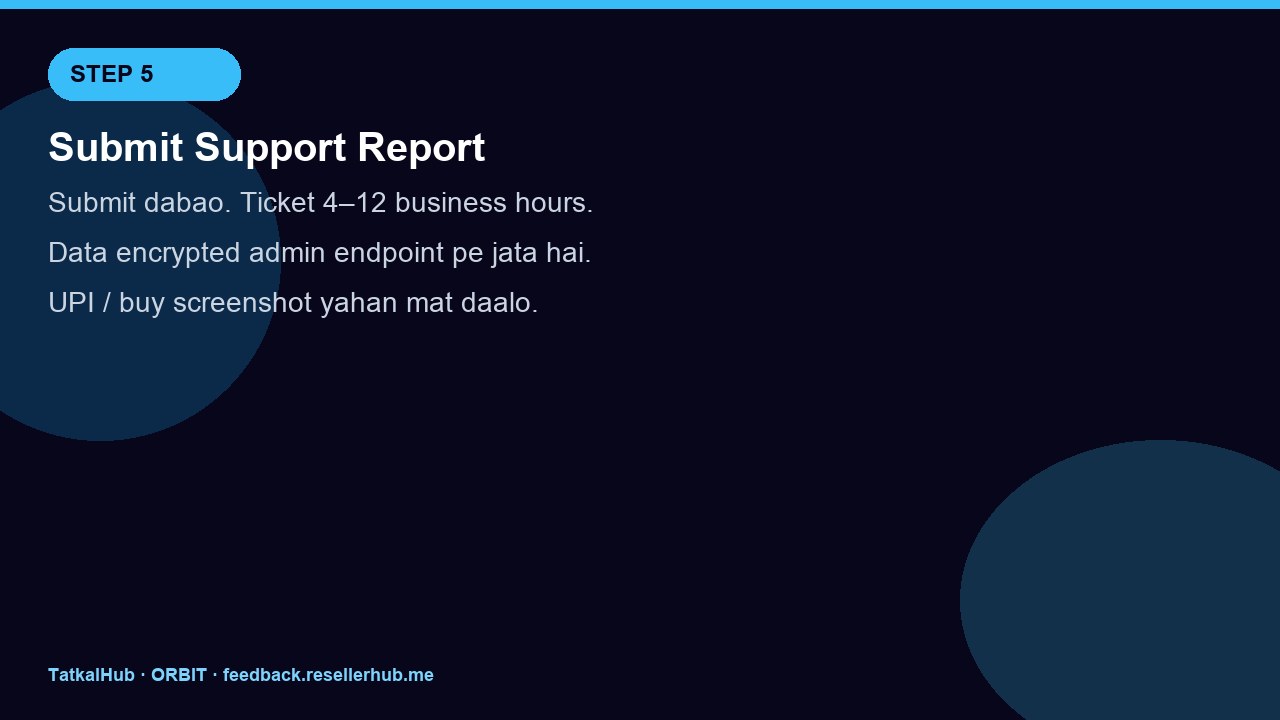
Neeche wala blue button: Submit Support Report. Portal khud kehta hai priority queries roughly 4 se 12 business hours. Data encrypted endpoints pe jaata hai.
UPI screenshot, IRCTC OTP, 20 baar spam — ye mat karo. Neeche Quick Help & FAQs bhi padh sakte ho.
Agar ORBIT TS buy karna ho to kahan se?
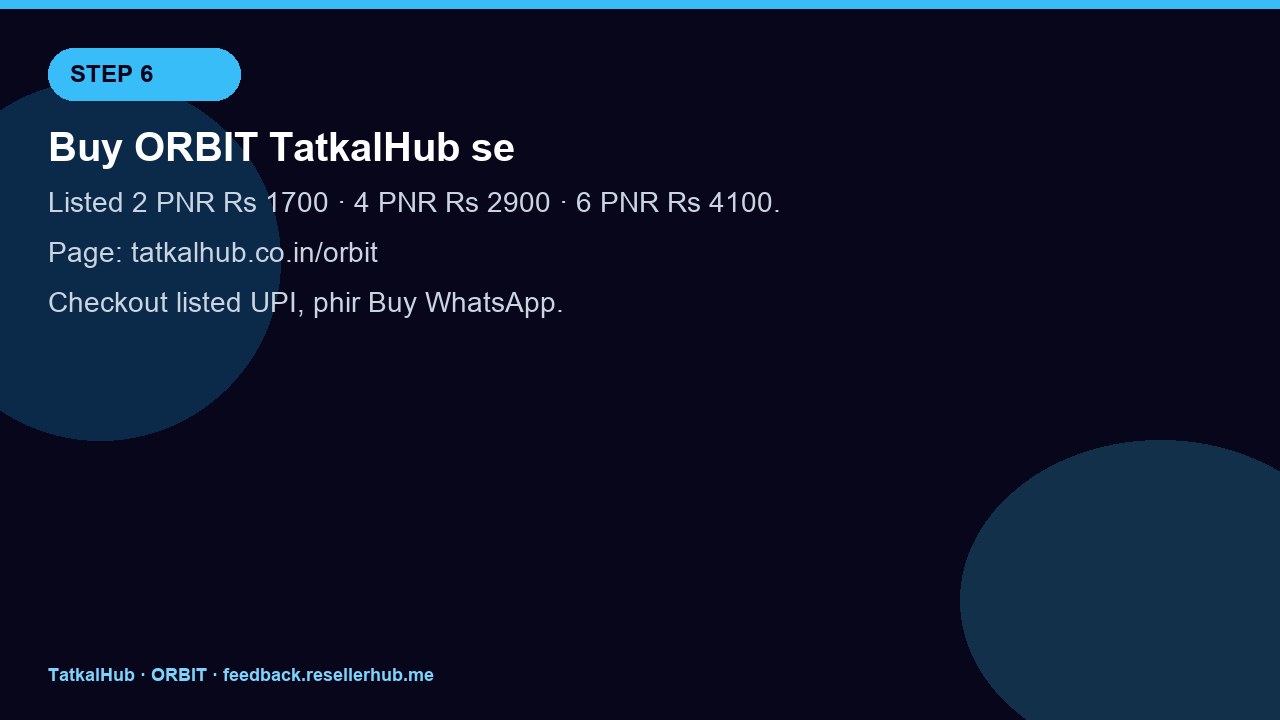
Naya license sirf TatkalHub ORBIT TS page se lo — yahi listed shop hai. Random Instagram / WhatsApp “cheap Orbit” mat.
Page: orbit.html · rate card: #pricing
- 2 PNR mahotsav ₹1299 / 1 month (MRP ₹1699, ₹400 off, pay listed UPI)
- 4 PNR ₹2500 · 6 PNR ₹3500 · VPS packs usi page pe listed
Flow simple hai: Ask Expert → WhatsApp +1 289 577 0401. Install guide alag: How to install ORBIT TS.
ORBIT TS listed rate card kholo
TatkalHub ko hi kyun chune?
Kyunki yahan jo card pe rate hai wahi UPI — unpublished slash, crack, “kal sasta” nahi. Original brand, free UltraViewer training, instant install, pehla ticket live help, 6am–1am IST. Account / email signup nahi. Complaint portal Team Orbit ka hai, shop checkout TatkalHub ka — dono mix nahi hote, isliye paise aur ticket dono clear rehte hain.
Lamba essay chahiye to Why choose TatkalHub padho. Short version: trust pehle, listed rate, trainer saath.
ORBIT TS use karne se Tatkal booking mein kya madad mil sakti hai?
ORBIT TS Web Login + IP Check family ka PC software hai. Matlab phone se ye sale page padh sakte ho, kaam Windows 10/11 desk (ya listed VPS) pe hota hai.
Jo madad typically milti hai: window se pehle login/IP side ready rakhna, IP check wala flow trainer ke sath bind karna, aur daily agent routine ko ek jagah control karna. Live clips product page pe hain — speed dekhne ke liye, magic guarantee nahi.
Seedhi limit: IRCTC ke steps, payment, rules tum complete karte ho. Confirmed PNR inventory aur IRCTC par depend karta hai. Software tayyari mein help karta hai — confirmed berth ka voucher nahi.
Educational guide. Official portal ke alawa random chat par license ya payment mat do. IRCTC rules follow. Inventory confirm nahi to PNR nahi.